

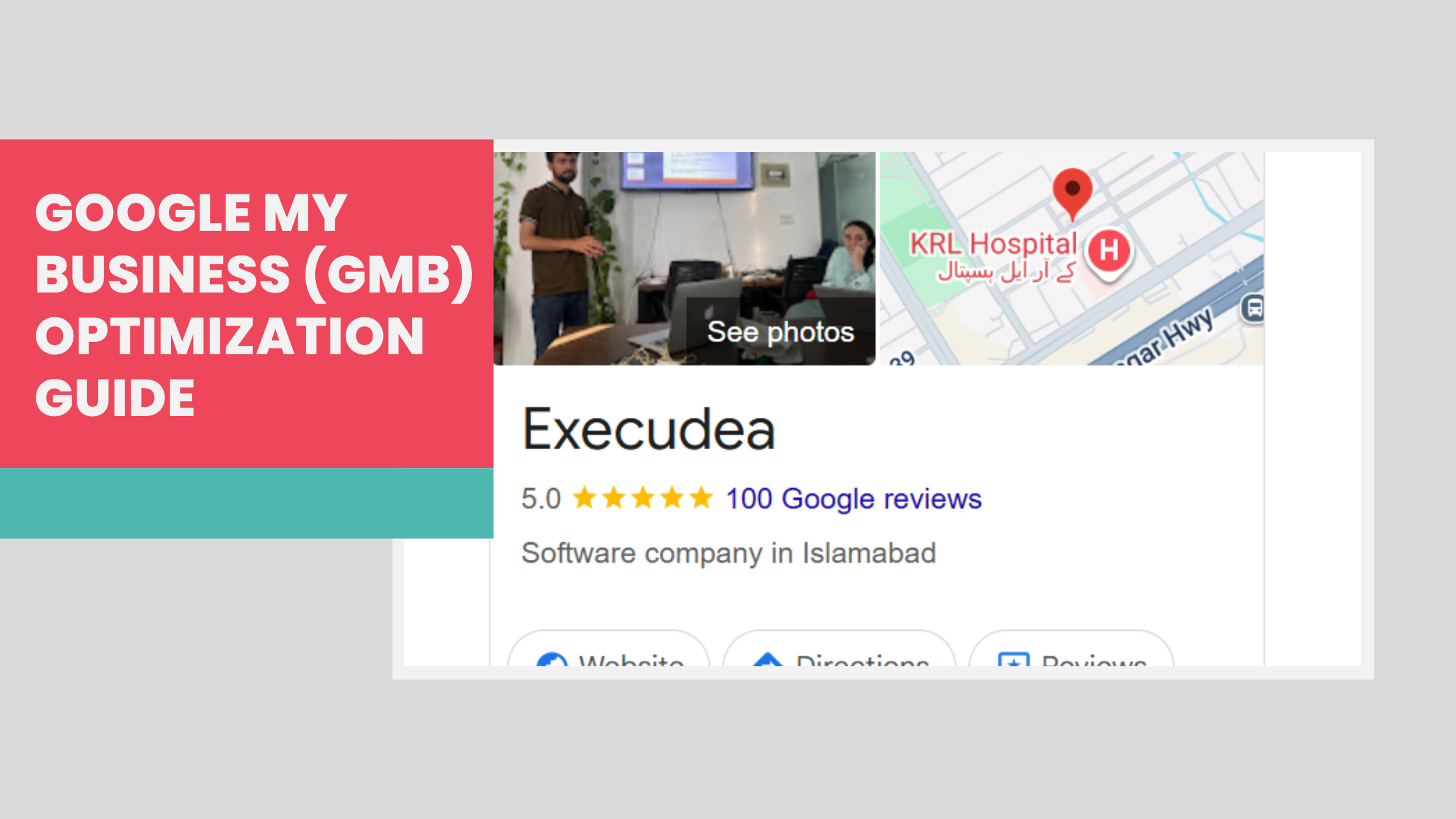
Are you struggling to attract local customers to your business? Your Google My Business (GMB) profile might be the missing piece of your marketing puzzle. With over 4.2 billion people using Google Search daily, optimizing your GMB profile is no longer optional – it's essential for local business success.
In this comprehensive guide, we'll walk you through the exact steps to optimize your Google My Business profile and boost your local search rankings. Whether you're a restaurant owner, service provider, or retail store, these proven strategies will help you attract more customers and grow your business.
What is Google My Business and Why Does It Matter?
Google My Business is a free tool that allows businesses to manage their online presence across Google Search and Google Maps. When potential customers search for businesses like yours, your GMB profile is often the first thing they see.
Key GMB Statistics:
- 76% of consumers visit a business within 24 hours of searching for it locally
- Businesses with complete GMB profiles are 2.7x more likely to be considered reputable
- 64% of consumers use Google My Business to find contact details for local businesses
- GMB profiles with photos receive 42% more requests for directions
Step 1: Complete Your Basic Business Information
The foundation of GMB optimization starts with accurate, complete business information. Google prioritizes businesses that provide comprehensive details about their operations.
Essential Information to Include:
Business Name: Use your exact legal business name as it appears on your storefront and official documents. Avoid keyword stuffing in your business name – Google penalizes this practice.
Business Address: Ensure your address is consistent across all online platforms. Use the exact format that matches your business license and other official documents.
Phone Number: Add a local phone number whenever possible. Avoid using toll-free numbers as they don't help with local search rankings.
Business Hours: Include regular hours, holiday hours, and special event hours. Update these immediately when they change.
Website URL: Link to your main website homepage or a dedicated landing page that's relevant to local searches.
Step 2: Choose the Right Business Categories
Selecting appropriate business categories is crucial for appearing in relevant local searches. Google uses these categories to understand what your business does and when to show it in search results.
Category Selection Best Practices:
Primary Category: Choose the most specific category that accurately describes your main business activity. This has the biggest impact on your rankings.
Secondary Categories: Add up to 9 additional categories that represent other services or products you offer. This helps you appear for a broader range of searches.
Avoid Over-Categorization: Don't add categories just to appear in more searches. Only include categories that genuinely represent your business offerings.
Popular Business Categories by Industry:
- Restaurants: "Restaurant," "Italian Restaurant," "Pizza Restaurant"
- Legal Services: "Lawyer," "Personal Injury Attorney," "Family Law Attorney"
- Healthcare: "Doctor," "Dentist," "Pediatrician"
- Home Services: "Plumber," "Electrician," "HVAC Contractor"
Step 3: Optimize Your Visual Content
High-quality photos are essential for GMB success. Listings with photos receive 42% more requests for directions and 35% more click-throughs to websites.
Photo Optimization Checklist:
Logo: Upload a square logo (720x720px minimum) with your brand colors and clear text.
Cover Photo: Use a high-quality exterior shot of your business (1024x576px recommended) that shows your storefront clearly.
Interior Photos: Showcase your workspace, products, or service areas. Include 5-10 interior shots that highlight your best features.
Product/Service Photos: Upload images of your products, completed projects, or services in action. Update these regularly with seasonal offerings.
Team Photos: Include professional photos of your team to build trust and personal connections with potential customers.
Photo Quality Guidelines:
- Use natural lighting whenever possible
- Ensure images are sharp and properly oriented
- Avoid heavy filters or excessive editing
- Include people using your products or services
- Update photos monthly to keep content fresh
Step 4: Craft a Compelling Business Description
Your business description is your opportunity to tell potential customers what makes your business special. You have 750 characters to make an impact.
Description Writing Tips:
Lead with Your Value Proposition: Start with what makes you different from competitors.
Include Relevant Keywords: Naturally incorporate terms your customers might search for, but avoid keyword stuffing.
Mention Your Service Area: Include the neighborhoods or cities you serve to improve local relevance.
Add Your Specialties: Highlight specific services, products, or expertise that set you apart.
Include a Call-to-Action: End with an invitation to visit, call, or book an appointment.
Example Business Description:
"Family-owned Italian restaurant serving authentic pasta and wood-fired pizza in downtown Seattle since 1985. We specialize in fresh, locally-sourced ingredients and traditional recipes passed down through generations. Open for lunch and dinner with outdoor seating available. Call ahead for large group reservations or special dietary accommodations."
Step 5: Manage and Respond to Customer Reviews
Online reviews significantly impact your local search rankings and customer trust. Businesses with higher ratings and more reviews typically rank higher in local search results.
Review Management Strategy:
Encourage Reviews: Ask satisfied customers to leave reviews through follow-up emails, text messages, or in-person requests.
Respond to All Reviews: Reply to both positive and negative reviews within 24-48 hours. This shows you value customer feedback.
Use Keywords in Responses: Naturally include relevant keywords in your review responses to boost SEO.
Address Negative Reviews Professionally: Acknowledge concerns, apologize if appropriate, and offer to resolve issues offline.
Monitor Review Platforms: Track reviews across Google, Yelp, Facebook, and industry-specific platforms.
Sample Review Responses:
Positive Review Response: "Thank you for choosing [Business Name] for your plumbing needs, Sarah! We're thrilled you were happy with our same-day service and competitive pricing. We appreciate customers like you and look forward to helping with any future plumbing projects."
Negative Review Response: "Hi Mike, we apologize that your experience didn't meet expectations. We take all feedback seriously and would like to make this right. Please call us at [phone number] so we can discuss your concerns and find a solution. Thank you for bringing this to our attention."
Step 6: Publish Regular GMB Posts
Google My Business posts help you share updates, promotions, and news directly in your GMB profile. Regular posting signals to Google that your business is active and engaged.
Types of GMB Posts:
What's New: Share business updates, new services, or company news
Events: Promote upcoming events, workshops, or special occasions
Offers: Highlight discounts, promotions, or special deals
Products: Showcase specific products or services with photos and descriptions
GMB Posting Best Practices:
Post Weekly: Aim for at least one post per week to maintain activity
Use High-Quality Images: Include relevant photos with every post
Add Call-to-Action Buttons: Use "Learn More," "Call Now," or "Book Now" buttons
Include Keywords: Naturally incorporate relevant search terms
Keep Content Fresh: Vary your post types and topics to maintain engagement
Step 7: Utilize GMB Attributes and Features
GMB attributes help customers understand what to expect from your business. These small details can influence customer decisions and improve your search visibility.
Important Attributes to Enable:
Accessibility Features: Wheelchair accessible, accessible parking, accessible restroom
Amenities: Wi-Fi, parking, outdoor seating, accepts credit cards
Services: Delivery, takeout, catering, online appointments
Health and Safety: Staff wear masks, contactless payments, sanitizes surfaces
Planning Features: Good for kids, groups, reservations required
Step 8: Monitor Your GMB Insights
GMB Insights provide valuable data about how customers find and interact with your business listing. Use this information to optimize your strategy.
Key Metrics to Track:
Search Queries: Understand what terms customers use to find your business
Customer Actions: Monitor calls, website visits, and direction requests
Photo Views: See which images get the most engagement
Geographic Data: Learn where your customers are located
Time-Based Data: Identify peak search times and days
Using Insights for Optimization:
Identify Popular Services: Focus on promoting services that customers search for most
Optimize Photos: Upload more images similar to your most-viewed photos
Adjust Business Hours: Consider extending hours during peak search times
Target Geographic Areas: Focus marketing efforts on areas where customers are located
Step 9: Maintain NAP Consistency
NAP (Name, Address, Phone) consistency across all online platforms is crucial for local SEO. Inconsistent information confuses Google and can hurt your rankings.
NAP Consistency Checklist:
Audit All Listings: Check your information on Google, Yelp, Facebook, Yellow Pages, and industry directories
Standardize Formatting: Use consistent abbreviations, punctuation, and formatting
Update Immediately: Change information everywhere when you move, change phone numbers, or rebrand
Monitor Citations: Regularly check for new listings and ensure accuracy
Use a Management Tool: Consider using tools like Moz Local or BrightLocal to manage multiple listings
Step 10: Handle Customer Questions and Messaging
The Questions and Answers section and messaging feature provide direct communication channels with potential customers. Active engagement in these areas improves your GMB performance.
Q&A Management:
Monitor Regularly: Check for new questions daily
Provide Detailed Answers: Give comprehensive responses that include relevant keywords
Ask and Answer Your Own Questions: Create FAQ-style content by posting common questions and detailed answers
Encourage Team Participation: Have staff members answer questions from their areas of expertise
Messaging Best Practices:
Enable Messaging: Turn on the messaging feature if you can respond quickly
Respond Within Hours: Aim for response times under 24 hours
Be Professional: Maintain a friendly, helpful tone in all messages
Convert to Calls: When appropriate, suggest phone calls for complex inquiries
Step 11: Create Location-Specific Landing Pages
If your website doesn't already have location-specific pages, create them to support your GMB optimization efforts.
Landing Page Elements:
Location-Specific Content: Include neighborhood names, local landmarks, and area-specific services
Contact Information: Display your NAP information prominently
Local Schema Markup: Implement structured data to help Google understand your location
Customer Testimonials: Feature reviews and testimonials from local customers
Service Area Maps: Show the areas you serve with visual maps
Local Keywords: Naturally incorporate location-based search terms
Step 12: Track Performance and Adjust Strategy
GMB optimization is an ongoing process. Regular monitoring and adjustments ensure continued success in local search results.
Monthly Optimization Tasks:
Review Insights Data: Analyze performance metrics and identify trends
Update Photos: Add new images showcasing recent work, seasonal products, or team members
Audit Information: Ensure all business details remain accurate
Check Reviews: Monitor new reviews and respond appropriately
Update Posts: Publish fresh content highlighting current promotions or news
Competitor Analysis: Research competitor GMB profiles for optimization ideas
Quarterly Optimization Tasks:
Category Review: Assess whether your chosen categories still accurately represent your business
Attribute Updates: Add new attributes or remove outdated ones
Website Integration: Ensure your website and GMB profile information remain consistent
Local Citation Audit: Check for new directory listings and verify accuracy
Strategy Assessment: Evaluate overall performance and adjust tactics as needed
Advanced GMB Optimization Tips
Leverage Local Events and Partnerships
Community Involvement: Participate in local events and create GMB posts about your involvement
Partnership Posts: Share content about local business partnerships or collaborations
Seasonal Optimization: Adjust your strategy based on seasonal trends in your industry
Use GMB for Multi-Location Businesses
Location-Specific Content: Create unique content for each location
Local Staff Involvement: Have location managers respond to reviews and questions
Performance Comparison: Compare metrics across locations to identify best practices
Integrate with Other Marketing Channels
Social Media Cross-Promotion: Share GMB posts on your social media channels
Email Marketing: Include GMB profile links in email signatures and newsletters
Website Integration: Embed GMB reviews and photos on your website
Common GMB Optimization Mistakes to Avoid
Information Accuracy Issues
Inconsistent Business Names: Using different variations of your business name across platforms
Incorrect Categories: Choosing categories that don't accurately represent your business
Outdated Information: Failing to update hours, phone numbers, or addresses promptly
Content and Engagement Mistakes
Ignoring Reviews: Not responding to customer reviews, especially negative ones
Infrequent Posting: Posting sporadically or not at all
Poor Photo Quality: Using blurry, poorly lit, or irrelevant images
Technical Optimization Errors
Duplicate Listings: Having multiple GMB profiles for the same business
Unverified Listings: Operating without proper GMB verification
Missing Schema Markup: Not implementing local business structured data on your website
Measuring GMB Optimization Success
Key Performance Indicators (KPIs)
Local Search Rankings: Track your position for target keywords in local search results
GMB Views: Monitor monthly profile views and search appearances
Customer Actions: Measure website clicks, phone calls, and direction requests
Review Metrics: Track review volume, average rating, and response rates
Photo Engagement: Monitor photo views and customer-uploaded images
Tools for Tracking Performance
Google My Business Insights: Built-in analytics for basic performance metrics
Google Search Console: Track your website's performance in Google Search
Local SEO Tools: BrightLocal, Moz Local, or Whitespark for comprehensive tracking
Google Analytics: Monitor website traffic from GMB referrals
Review Management Tools: Podium, Grade.us, or ReviewTrackers for review monitoring
Conclusion
Optimizing your Google My Business profile is one of the most effective ways to improve your local search visibility and attract more customers. By following this comprehensive guide, you'll create a powerful online presence that drives real business results.
Remember that GMB optimization is an ongoing process, not a one-time task. Regular updates, consistent engagement, and continuous monitoring are essential for long-term success. Start with the basics – complete business information, high-quality photos, and active review management – then gradually implement more advanced strategies.
The businesses that invest time and effort into GMB optimization consistently outperform their competitors in local search results. With 46% of Google searches having local intent, there's never been a better time to optimize your GMB profile and capture more local customers.
Ready to dominate local search in your area? Start implementing these GMB optimization strategies today, and watch your business grow through increased online visibility and customer engagement.